

Table of contents
The Resource Pack
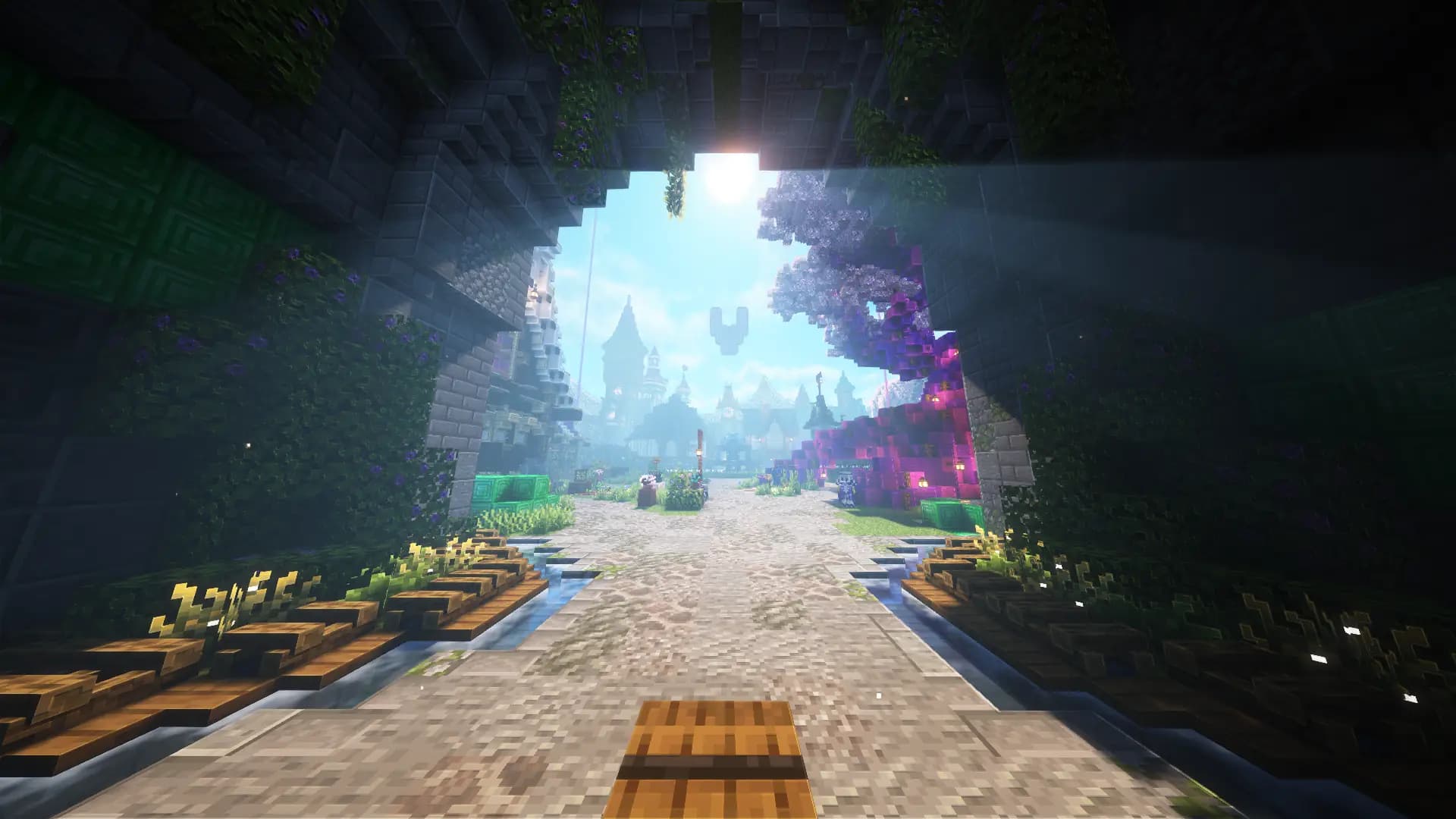
When you join, the Veylor resource pack is offered automatically. You don’t have to download or configure anything — just accept it.
What it gives you
| Category | What you see |
|---|---|
| Custom Items | Special tools, keys, event items with their own texture instead of vanilla look |
| Furniture | Placeable decorative objects that appear as real models in the world |
| Custom Blocks | Blocks that don’t exist in vanilla |
| Icons | The icons in chat, GUIs and boss bars |
Without the pack everything still works — you’ll just see placeholder textures. No feature is locked, nothing breaks. It just looks a lot less like Veylor.
Placing furniture
Furniture are just normal items: take them in your hand, right‑click the ground, done. They appear as a visible model and can be broken again.
On other players’ claims the same rules apply as for any other block: without build permission nothing works.
If the pack doesn’t load
- Pack declined? Re‑join once — the prompt will appear again.
- Old textures? Minecraft caches packs. In‑game under Options → Resource Packs remove the Veylor pack once and re‑join.
- Nothing helps?
/bugreport— please include which Minecraft version and which client you’re using.
When you switch between Veylor servers, the pack is not reloaded each time. All servers deliver the same package, your client recognises that and keeps it.
Bedrock
For Bedrock players the same package automatically generates a Bedrock version — you get the same textures without having to install anything manually.
Was this article helpful?
Your feedback helps us improve the Veylor documentation.
Suggest a change?
Report bugs in the bug report