

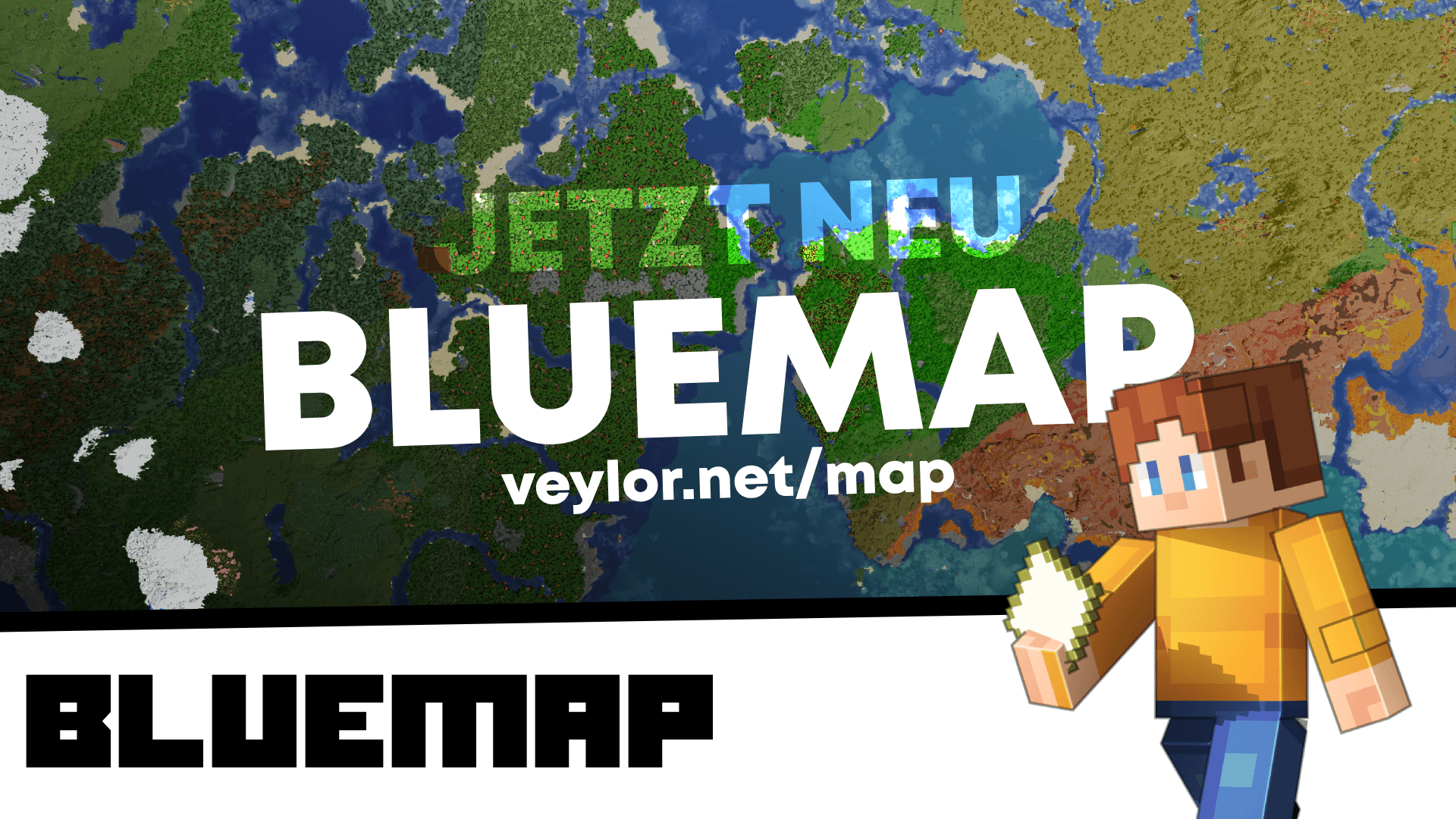
Our interactive map at veylor.net/map is far more than just a picture. It gives you a complete, navigable 3D view of the entire server in real time.
Current Live Statistics
In the top‑left corner of the map you’ll always see the latest server data:
- Total Claims: Number of all secured areas.
- Rendered Blocks: The massive amount of visualized blocks.
Marker & Navigation
Through the marker menu you can control the visibility of various elements to keep the map tidy:
| Element | Function |
|---|---|
| Players (ON/OFF) | Shows or hides the heads of active players. |
| Claims (ON/OFF) | Toggles the colored claim markers on or off. |
Settings & Graphics
In the settings area you can adjust the map’s performance and appearance to match your hardware:
- Perspective: Switch between a flat top‑down view and the free 3D camera for impressive angles.
- View Distance: Adjust how many chunks are loaded at once.
- Lighting: Change the lighting (day, night, or sunlight) to inspect your builds at any time of day.
Login & Interaction
For advanced features, log in with your credentials via the Login icon in the bottom‑left corner.
- Top-Claims: View the list of the highest‑rated or largest claims directly in the overview.
Wiki & Support
Want all the details? We’ve prepared an extensive wiki article for you:
The Veylor World Map in the Wiki
The map is updated regularly. If newly built structures aren’t visible yet, please wait a moment—the server will automatically render the new blocks.